Your child is starting middle school in Hauts-de-Seine and you receive a sheet with an identifier, a temporary password, and the address enc.hauts-de-seine.fr. The first login to Oze 92, the digital workspace for the department’s middle schools, is essential for accessing grades, the homework diary, and the school’s messaging system. Missing this step or losing your credentials blocks all academic tracking. Here’s how to proceed smoothly.
Oze 92 Credentials: Understand What You Received Before Logging In
The school distributes an individual sheet per profile at the beginning of the year. A parent and a student do not have the same identifier, even if they belong to the same family. Each account provides access to different functions: the parent account displays grades and absences, while the student account opens the homework diary and educational resources.
The identifier generally follows the format first.last (sometimes followed by a number in case of homonymy). The temporary password is on the same sheet. Do not throw away this sheet before changing the temporary password, as the school only reprints it once without a supplementary procedure.
If you have misplaced this document, the school office or the digital referent can regenerate a temporary password. No online procedure allows you to recover access without going through the school during the very first activation.
To prepare well for this login to Oze 92 with ASCI, keep your credentials sheet handy and plan a personal password that you do not use on any other site.
First Login on enc.hauts-de-seine.fr: The Concrete Steps to Follow
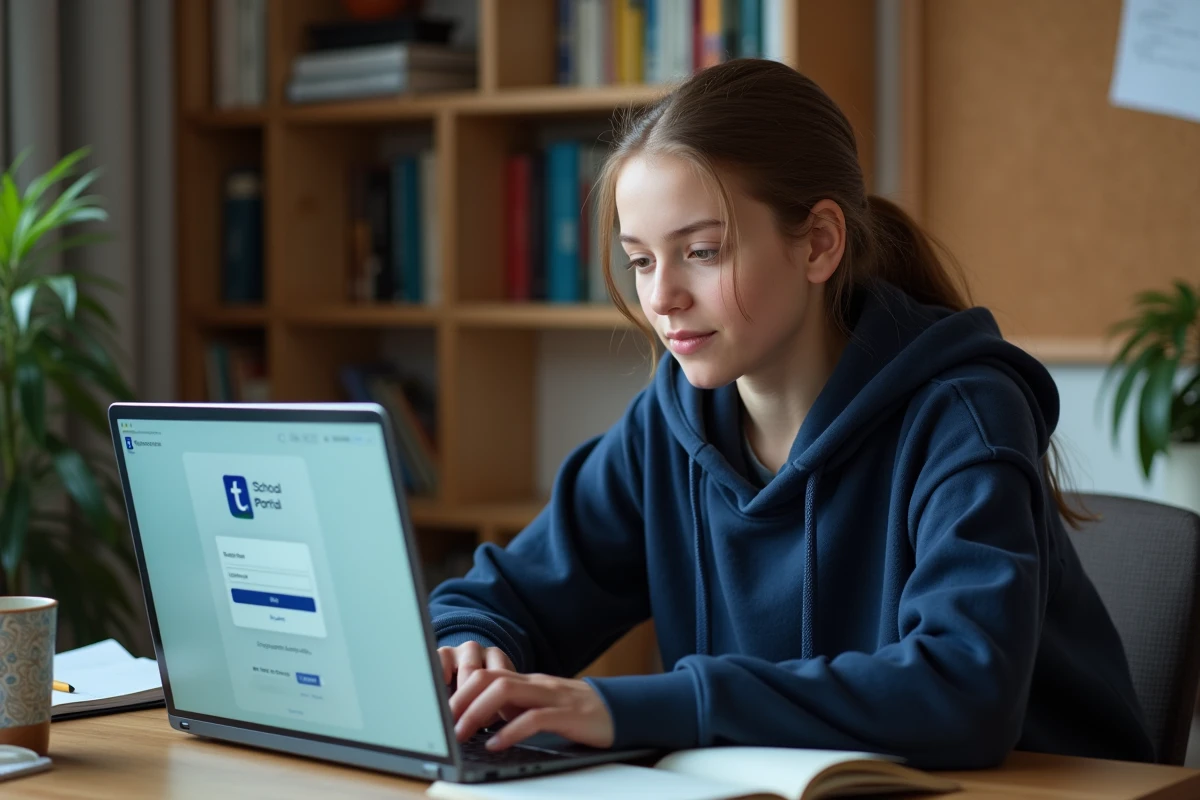
Open a browser on your computer, tablet, or phone and go to enc.hauts-de-seine.fr. The homepage displays a login button that leads to the authentication form.
- Enter the exact identifier as it appears on the sheet (respect dots, dashes, and case).
- Enter the temporary password. The system will immediately prompt you to replace it with a personal password.
- Choose a password of at least eight characters, mixing letters, numbers, and a special character. Confirm it a second time.
- Provide a recovery email address if the form offers it: it will be used in case of future forgetfulness.
The temporary password expires after the first use. If the login fails and you have never activated your account, someone may have already used your sheet by mistake. Contact the school for a reset.
Common Errors During Activation
An extra space before the identifier, a copy-paste that adds an invisible character, or the browser’s autocomplete filling the field with an old password: these three situations cause the majority of first login failures.
Tip: type your identifier manually in the field instead of pasting it. Temporarily disable the browser’s password manager to avoid any interference during activation.
Login via EduConnect: The Alternative for Parents
Since the start of the 2024 school year, several middle schools in Hauts-de-Seine offer legal guardians the option to log in to Oze 92 via EduConnect, the authentication portal of the Ministry of National Education. This option appears directly on the page enc.hauts-de-seine.fr or via educonnect.education.gouv.fr.
Have you already activated an EduConnect account to access the unique school report or orientation e-services? This same account can be used for Oze 92, without any additional paper identifier. One identifier-password pair then replaces multiple school accesses.
Check if Your School Has Activated EduConnect
Not all institutions in the department currently offer this gateway. On the login page, look for a link or button mentioning “Log in with EduConnect” or “FranceConnect.” If it does not appear, the traditional authentication with Oze identifier remains the only option.

Access Oze 92 on Mobile Without Using the Browser
The Oze app is available on iOS and Android. It provides access to the same functions as the web version (grades, schedule, messaging). However, another option is not widely circulated in online guides.
Several middle schools in Hauts-de-Seine have been distributing guides since 2023-2024 explaining how to configure the ENT messaging directly in the phone’s mail app (like Exchange or Outlook). This method allows you to receive messages from the ENT like any other email, without opening the Oze app or the browser.
The configuration guide is usually available in PDF format on the school’s website or in the “Help” section of the ENT once logged in. You will need to provide the server address, your Oze identifier, and the final password you chose during the first login.
Oze App or Native Messaging: Which Choice for Daily Use
The Oze app consolidates everything in one place: grades, homework diary, messaging, absences. The phone’s native messaging sends real-time notifications like a regular email. To not miss any messages from the school, the native mail configuration is more responsive.
Both methods coexist without conflict. You can install the Oze app to check grades and configure the native messaging for exchanges with teachers.
Secure and Maintain Your ENT Access in Hauts-de-Seine
The password chosen at activation protects all of your child’s academic data. A few precautions can prevent a blockage during the year.
- Never share your password via messaging, even with a teacher. School staff do not need it to access their own tools.
- Change your password if you suspect unauthorized access. The modification can be done in the account settings, under “My Profile” or “Security.”
- Note the recovery email address associated with the account. In case of a forgotten password after activation, it allows you to reset access without going back through the office.
An Oze 92 account not activated before the end of the first term complicates tracking results and communications. Teachers use the ENT messaging system to convey information that does not always go through the paper communication book.
The Oze 92 platform remains the central tool for digital management of middle schools in Hauts-de-Seine. Taking ten minutes to properly activate your space as soon as the credentials are distributed avoids weeks of delay in tracking your child’s academic progress.